Building cityroam.casa-verde.casa: a marketing site with no marketing budget
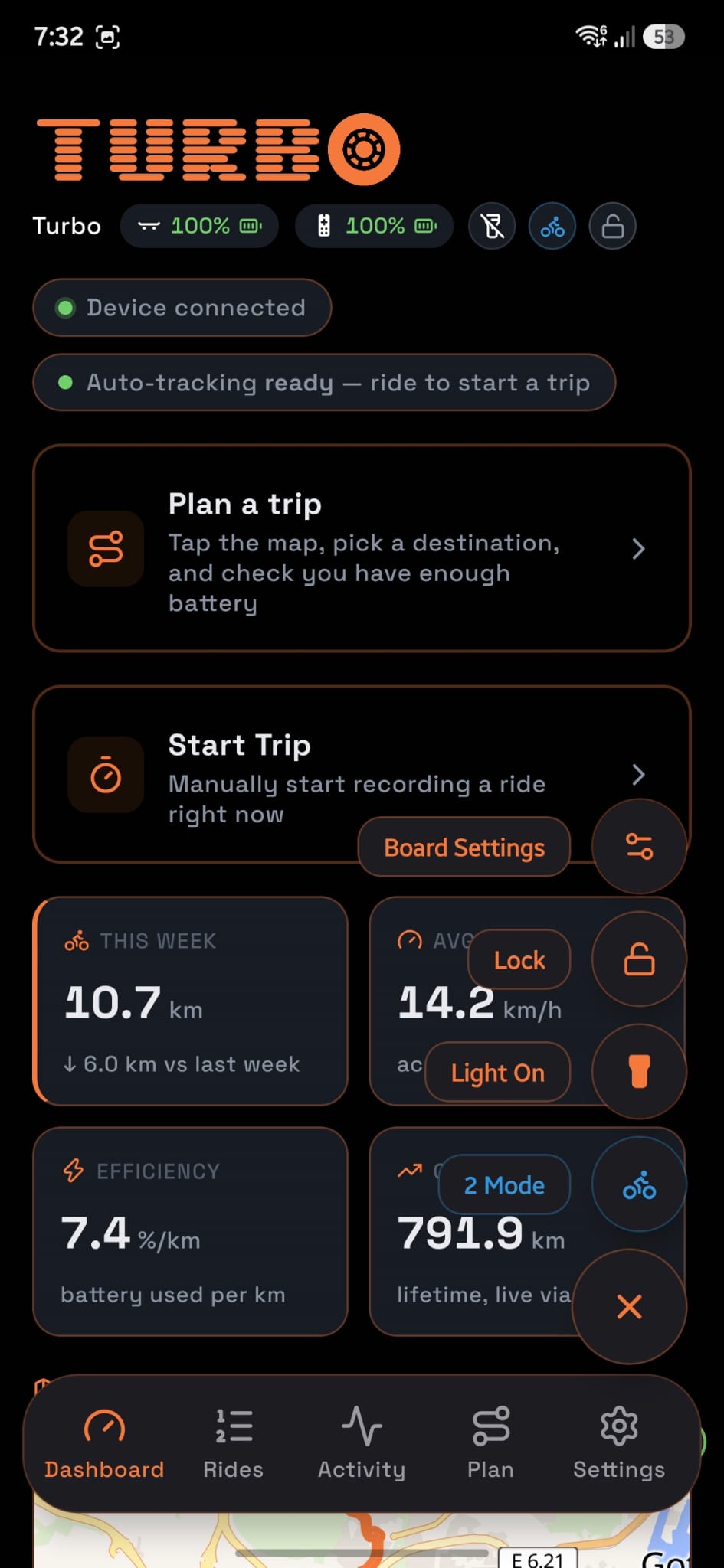
Cityroam, the Android app and backend I’ve written about before, needed somewhere to send people who aren’t going to read source code. That’s cityroam.casa-verde.casa: a single-page Astro site, deployed to Cloudflare Workers, that exists to do one job, show what the app actually looks like, well enough that a stranger can tell in ten seconds whether it’s for them.
No template, on purpose
It would have been faster to drop the copy into a landing-page builder. I didn’t, for the same reason this portfolio isn’t a template either: a generic SaaS-landing-page look would undersell an app whose entire pitch is that it doesn’t do things the generic way. The site is a small, dependency-light Astro build, one index.astro file, real CSS, no component library, so every visual decision is one I actually made rather than one a template made for me.
The visual language borrows the app’s own dark, amber-accented palette and pushes it further: a custom scanned-in display font (Sixtyfour Bled) for the wordmark, JetBrains Mono for labels, and a spinning wheel glyph standing in for the “O” in the logo, a small joke that a skateboard site should have a wheel that actually turns.
Screenshots that have to earn a second look
A ride-computer app lives or dies on whether its screens look trustworthy at a glance, so the gallery is the site’s actual content, not decoration around some marketing copy. Screenshots sit inside a CSS phone frame (rounded corners, a notch, a subtle bezel shadow) rather than as flat rectangles, because a bare screenshot reads as a crop, a framed one reads as a product.
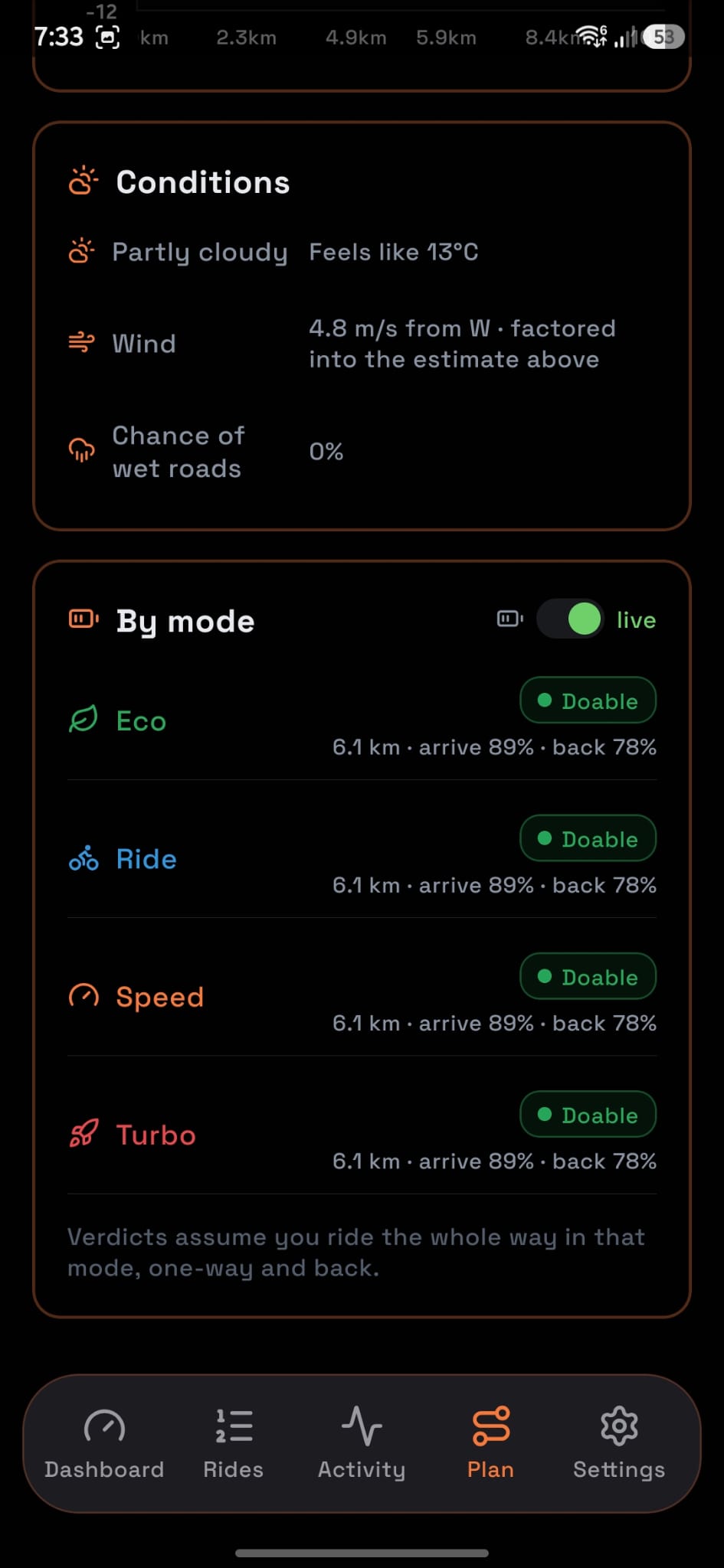
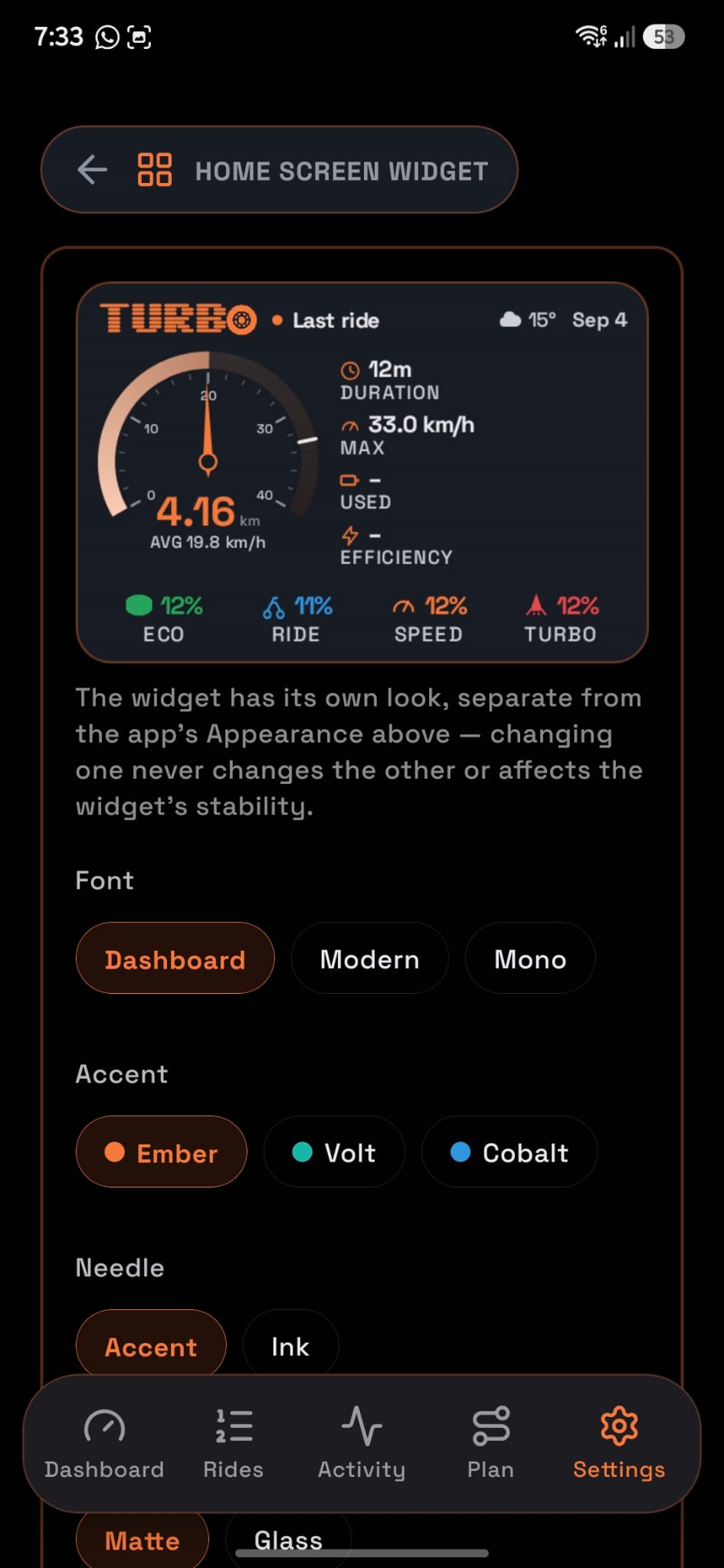
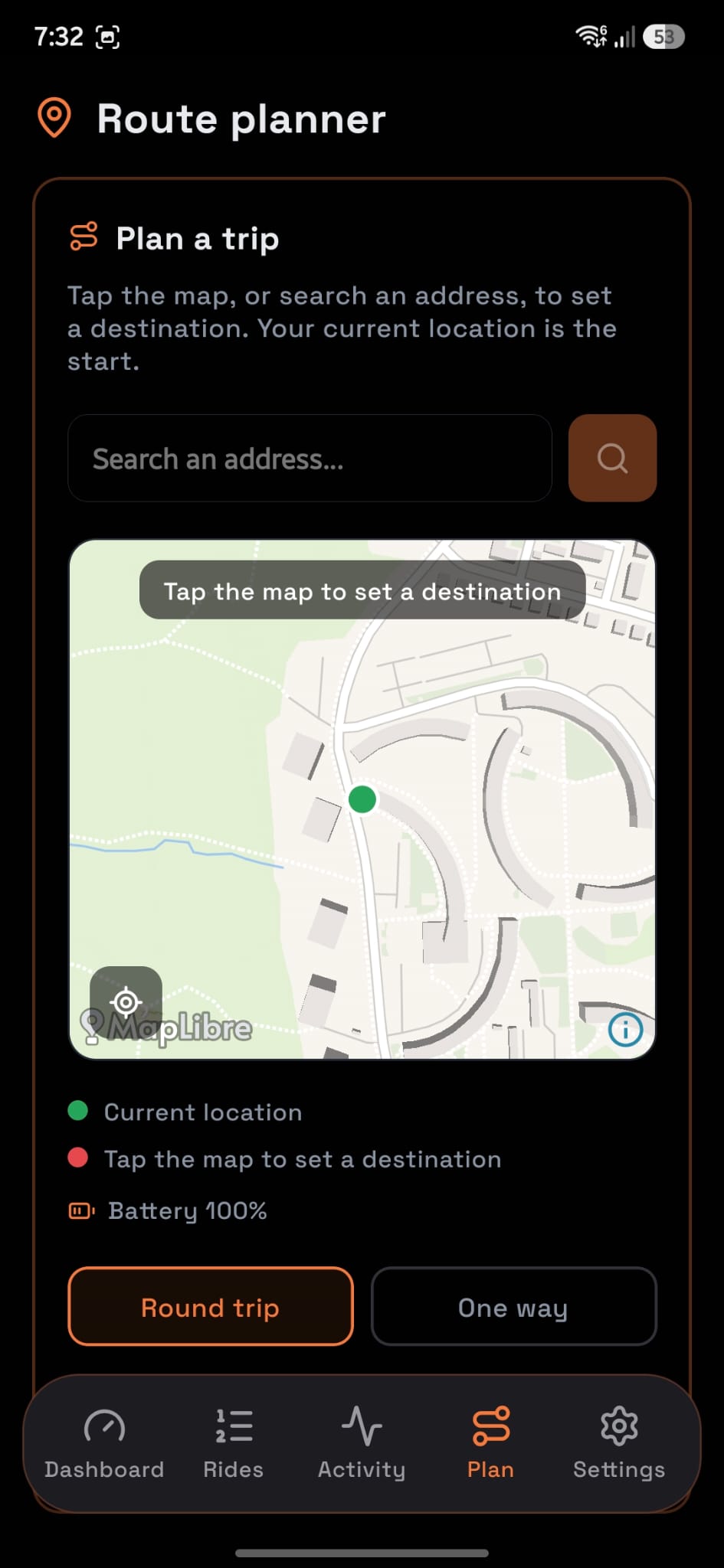
Two different gallery treatments exist on purpose. The hero has a loose, hand-scattered strip of five phones, alternating tilt, that a visitor sees before scrolling. The features section below it is a disciplined horizontal filmstrip of all nine screens, each with a spinning conic-gradient ring on hover and a <button>-triggered lightbox for the full-size view, shared code between both strips rather than two separate implementations. Getting the shared lightbox right meant designing it around whichever trigger opened it, not just the filmstrip’s, so the hero scatter’s phones and the filmstrip’s cards call the same openLightbox() with the same data attributes.
The detail that doesn’t show up in a screenshot: touch behavior
Both scrollable strips are free-scroll on desktop and scroll-snap-type: x mandatory on touch, driven by a real (hover: none) media query rather than a screen-width guess, because a screen-width breakpoint would misclassify a touchscreen laptop or a mouse-driven tablet. Touch has no :hover, so the ring and magnify-icon reveal that desktop gets from a real hover has to come from somewhere else: an IntersectionObserver-adjacent scroll listener finds whichever card sits closest to the strip’s center and gives it an .in-focus class, which drives the exact same CSS the :hover rule does on desktop. It’s the kind of interaction detail nobody consciously notices when it’s right and everybody notices when it’s wrong, a card that never seems to be “selected” as you swipe through it.
There’s a smaller, easy-to-miss fix in the same spirit in the CSS: the horizontal strips need overflow-x: auto for the free-scroll behavior, but that forces the browser to compute overflow-y as auto too, which would clip the hover-lift transform on the edge cards. The fix isn’t clever, generous padding on every side, --edge: 4rem, so nothing a card does under hover or focus ever reaches the container’s actual edge. Small enough that it’s tempting to skip, and the kind of thing that makes a site feel unfinished if you don’t.
Content that doesn’t oversell
The “why” section and the about grid state plainly what Cityroam is not: not affiliated with Tynee, NAVEE, or Tuya, nothing unlocked or bypassed on the hardware, no ads or analytics SDKs, connection keys that never leave the phone. That’s not legal boilerplate for its own sake, it’s the same instinct behind avoiding Tuya’s SDK entirely in the app itself: say exactly what’s true and let that be the pitch, instead of a marketing site’s usual habit of implying more than the product actually does.
Why a landing page for a hobby app at all
Cityroam doesn’t need a marketing site to function, the app works fine without one. But a project only really exists as one thing, the code, until someone who isn’t me can look at it for ten seconds and understand what it’s for. That’s the actual job this site does, and it’s the same discipline as the rest of this portfolio: if a system is worth building well, it’s worth being able to explain well too.